
Skip to content
FLORA

FLORA Weekly

No. 066,

Bulk Parameters, Batch Node Reruns, & Node Sharing

This release tightens the canvas around your workflow. Bulk parameter editing lets you change shared settings across multi-selected blocks in one shot, Grid View now supports reruns in a single cell instead of the whole batch, and node sharing ships a one-click way to send your creations out into the world from the toolbar. Plus the next generation of Actions is live in the library! 📦 New

  1. Node sharing

    Easily share your creations with the world with our new node sharing feature in the toolbar! Get a simple media link you can share.

  1. Bulk

    parameter editing — multi-select any group of generation nodes that share parameters and edit them together.

    MoreLess

    Tweak resolution, model, or any shared setting once and it propagates everywhere.
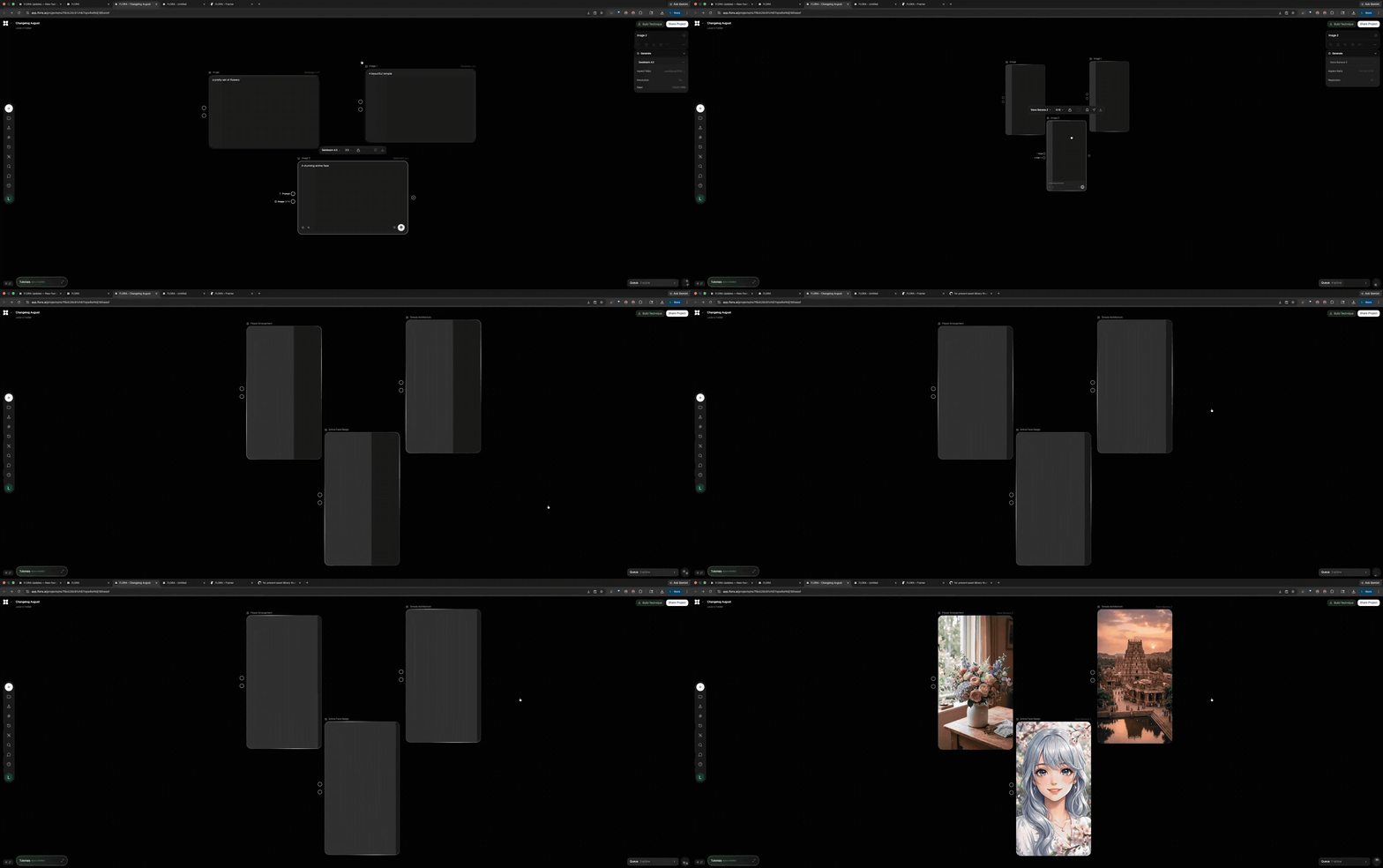
  1. Grid View

    rerun single cell — re-run one variation without rebuilding the batch.

    MoreLess

    Spot a generation you want to update? Just re-run that node instead of regenerating the whole grid.

  2. More actions

    The next generation of actions is now live in the action library:

    • Split Audio from Video
    • Merge Audio into Video
    • Watermark Video
    • Video to Long Exposure
    • Video to Frame Grid
  1. Fullscreen Toolbar Download All

    Grab every output from a session in one click


🧠 Improved

  1. My

    Techniques — category chips appear in the canvas popover and the My Techniques tab, and the list sorts by last updated - so the technique you were just iterating on is always on top.

  2. Highlighted

    upstream connectors in Technique Builder — click any output in the technique builder and its upstream chain lights up, making complex graphs much easier to read.

  3. Annotations label pinning

    Pinned labels now stay attached to their target across nested groups

  4. Text streaming in Text Nodes

    More reliable token-by-token rendering in Text Nodes

  5. Element Nodes

    now work with GPT image endpoints


🛠 Fixes

  • Mobile generation page restores its access context. No more permissions errors on phones.
  • Library techniques spawn near your viewport when nothing is selected, instead of off-screen.

FLORA Weekly

This release connects FLORA to your Google Drive, brings Actions into Techniques for fully programmable reusable workflows, and gives FAUNA the ability to learn custom skills and run Actions autonomously. Plus a wave of new models, format support, and performance upgrades across the board.


📦 New

  1. Google Drive integration

    Upload assets directly from your Google Drive into any FLORA project.

    MoreLess

    Connect your Google account once, then browse and pull in files without leaving the canvas.

  2. Actions in Techniques

    Actions (code nodes) now work inside Techniques.

    MoreLess

    Build techniques that include custom code steps, execute them end-to-end, and inspect the full workflow graph from the technique viewer. This unlocks fully programmable, shareable workflows.

  3. FAUNA User Skills

    Teach FAUNA custom skills tailored to your workflow.

    MoreLess

    Create reusable instructions that FAUNA can call on whenever you need them, so your AI assistant learns how you work.

  4. FAUNA runs Actions

    FAUNA can now discover, place, and execute prebuilt Actions on the canvas autonomously.

    MoreLess

    Ask FAUNA to split audio from a video or merge tracks, and it wires up the right Action node for you.

  5. New models in FAUNA

    Opus 4.7, Opus 4.6 Fast, GPT 5.5, and GPT 5.5 Fast are now available.

    MoreLess

    The model picker has moved to the chat header for faster switching between conversations.

  6. Document Node upgrades

    Document nodes now support target-aware outputs, a fullscreen editing mode, and thumbnail previews, making them much more useful for text-heavy workflows.

  7. Kling Pro 4K

    Kling Pro video models now route to the 4K endpoint when you select 4K resolution, delivering cinema-quality output.

  8. Creatify & Mirelo model trainers

    Two new model training options for fine-tuning custom models.


🧠 Improved

  1. HEIC, HEIF & AVIF uploads

    Upload images in Apple's native formats directly.

    MoreLess

    No more converting files before importing them into FLORA.

  2. @Mentions in Technique Builder

    Reference other nodes with @ when editing technique descriptions, bringing the same wiring convenience from prompts into the builder.

  3. Technique publish dialog

    A new success dialog after publishing shows app link share controls, making it easier to share your techniques with the community.

  4. Concat Text: Wrap Each Part

    A new toggle lets you add prefix and suffix text around each part individually, useful for structured prompt assembly.

  5. Canvas performance

    Magnet handles and edge updates now bypass React for significantly smoother dragging and connecting on large canvases.

    MoreLess

    Tooltip rendering is consolidated into a single provider, cutting overhead across the board.

  6. Code execution speed

    Action node workflows consolidated from 12 steps to 3 on the happy path, making code-based nodes noticeably faster.

  7. FAUNA response speed

    End-of-turn processing cut from ~10 steps to 2, so FAUNA finishes its work and hands back control faster.


🛠 Fixes

  • HEIC images from your library now route correctly as image uploads instead of generic files.
  • Video thumbnails no longer flash before they finish loading.
  • The generate button is properly enabled for image and text blocks in all states.
  • Inaccessible models now show a clean "Model unavailable" message instead of a cryptic error.
  • Batch router nodes sync all upstream connections correctly as collection items.
  • Technique auth flows no longer flash on initial load.

FLORA Weekly

This release introduces Grid view for scanning batch × batch generations side-by-side, a full 3D camera angle control in the image sidebar, and Text Labels for annotating your canvas with a Shift + A hotkey.


📦 New

  1. Grid view

    Chain two batches into a grid of every combination, laid out visually for side-by-side comparison.

    MoreLess

    Pair or Cross any two batches and every cell in the resulting grid is its own generation. Click a cell to open it in Single view and drill in without leaving the grid.

  2. Camera Control

    Reframe any image from a new perspective with a full 3D angle control.

    MoreLess

    Dial in height, distance, and location of the camera on any image node by going to Tools —> Change camera angles. The generate button shows you how many angles you have queued so you always know an angle is in play.

  3. Text Labels

    Drop resizable text notes anywhere on the canvas with Shift + A Perfect for labeling sections, leaving comments for collaborators, or organizing complex workflows.

    MoreLess

    Labels resize horizontally for longer notes and pick from a clean size dropdown.

  4. Gemini TTS

    Google's Gemini text-to-speech is available on audio nodes.

    MoreLess

    Generate synthesized speech directly on the canvas with voice and language selection built into the node.

  5. Community Tutorials

    A Tutorials section in the Community tab with guided project templates.

    MoreLess

    Tutorials open as in-project overlays that walk you through a workflow step-by-step, and completed tutorials land in your FLORA Tutorials folder to revisit later.

  6. Topaz upscaling

    The quick upscale action now uses Topaz for sharper, higher-fidelity results.

    MoreLess

    One click on any image node produces a cleanly upscaled version with scale and enhancement tuned for photo-realistic detail.

  7. Per-project canvas position

    The canvas now remembers your zoom and pan for every project.

    MoreLess

    Reopen any project and you're exactly where you left off, at the same viewport you had last session.

🧠 Improved

  1. Canvas performance

    Drag, zoom, bulk-connect, and selection have been rewritten so large projects feel dramatically smoother.

    MoreLess

    Safari canvas zoom in particular is significantly faster.

  2. Error UI

    Errors now render as a banner directly on the block that failed, with a header indicator and an expandable task bar so you can scan every error across a project at once.

    MoreLess

    Long error messages wrap and scroll cleanly instead of blowing out the block.


🛠 Fixes

  • Workspace stays mounted across real-time reconnects — no more losing your place on a brief network blip.
  • Copy as PNG restored in the image node context menu.
  • Bulk-connect handles no longer orphan after marquee-select moves or ungrouping.
  • Canvas comments render at the correct constant size on first paint.
  • Context menu actions freeze during the close animation so you don't accidentally trigger the wrong one.
  • Audio history items render properly in mobile history views.
  • Voice Clone surfaces real error messages and guards against oversized uploads.
  • Audio node modal dismisses with Esc, mic arms before the countdown, and the volume slider has proper spacing.
  • Parameter sidebar widths no longer run away when a large preview image is loaded.
  • Fixed an editor crash that could occur with browser auto-translate enabled.
  • Workspace admins are now treated as editors for project access.
  • Text blocks no longer flash the prompt when switching between pending generations.



